Many Android users wonder if they can experience the same convenience as iPhone users with MagSafe. The good news is, it’s possible, but with some limitations.
MagSafe for Android is not natively supported but can be used with compatible accessories. Learn how it works and if it’s worth the effort for your Android device.
Keep reading to explore how you can use MagSafe with your Android phone.
Table of Contents
What is Magsafe for Android?
MagSafe is an Apple-designed magnetic charging and accessory system. Can this system work on Android? The answer is yes, but not without adjustments.
MagSafe is a magnetic charging and accessory system made by Apple, and it can be used with Android with additional accessories.
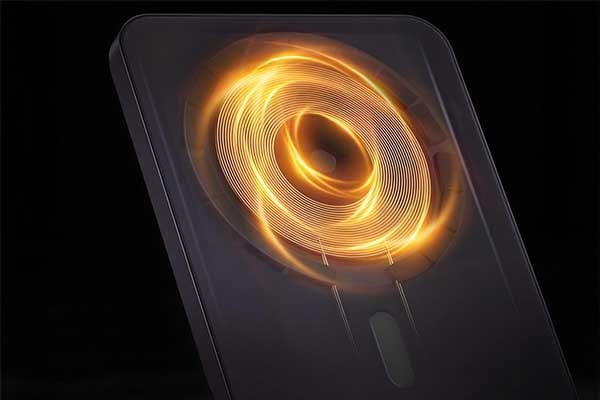
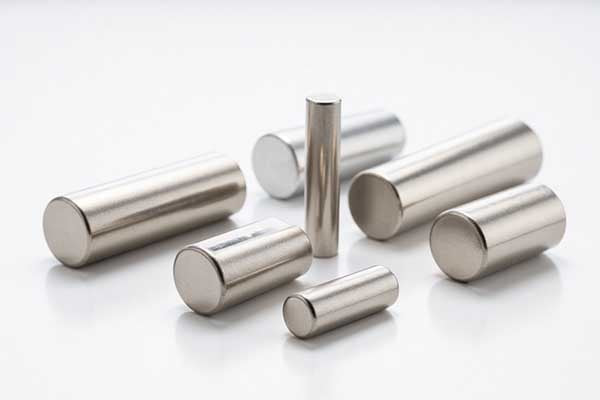
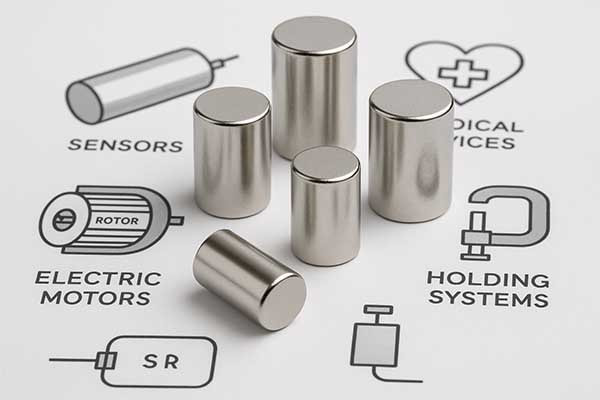
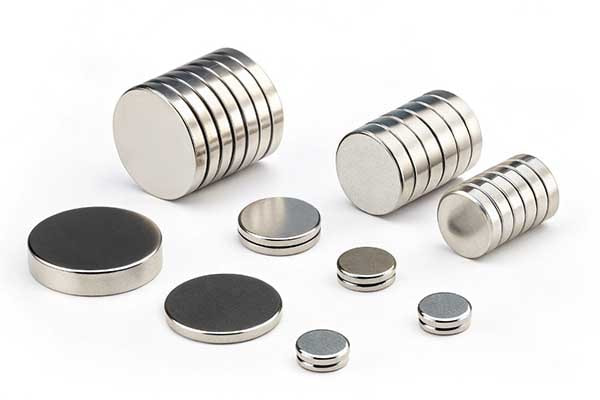
MagSafe uses magnets embedded[1] in both the phone and its accessories to attach chargers, wallets, and other devices. However, Android devices don’t come with MagSafe built-in, so third-party accessories are necessary to make this work. Some companies offer MagSafe-compatible accessories[2] designed for Android, which allows users to take advantage of the magnetic charging system. The most common accessories are magnetic charging pads and cases that fit Android phones.
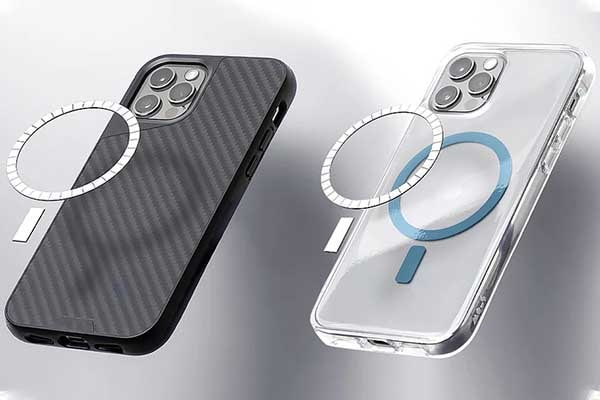
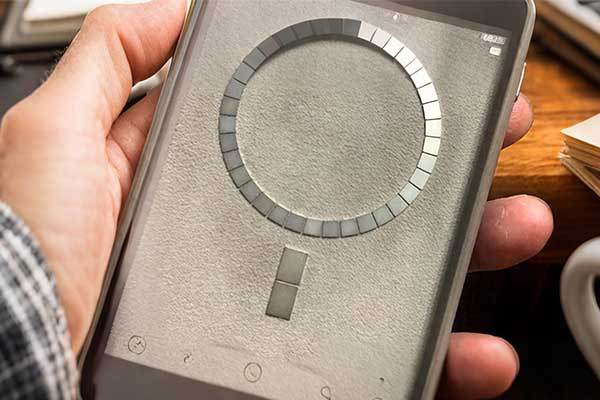
Here’s how it typically works: You need to add a special magnetic plate to your Android phone, which allows it to connect to MagSafe accessories. The magnet inside the accessory will align with the plate on the phone, securing it in place for wireless charging or other uses.
Table: MagSafe Compatibility Options for Android
| Accessory Type | Compatibility |
|---|---|
| Magnetic Case | Compatible with most Android models, requires a magnetic plate. |
| Magnetic Charging Pad | Can work with Android devices, but charging speed may vary. |
| MagSafe Wallet | Needs additional magnetic adapter for Android devices. |
Is there a MagSafe for Android?
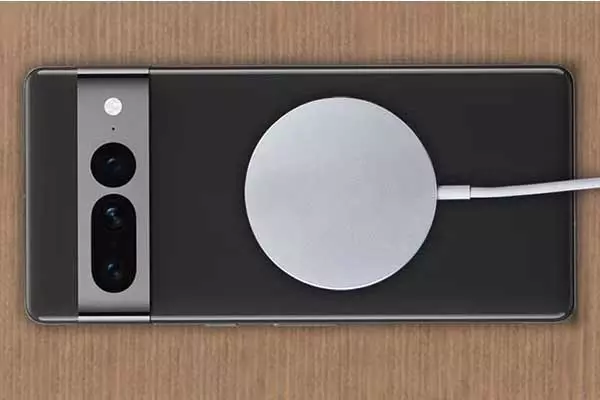
There is no official MagSafe system designed by Apple for Android. However, the concept can be applied through third-party accessories.
Although MagSafe was developed by Apple for iPhones, similar technology can be used for Android phones through third-party magnetic accessories.
While Apple’s MagSafe technology isn’t available for Android, manufacturers have created similar products that mimic the functionality. These third-party accessories allow Android users to enjoy wireless charging and magnetic accessories, just like iPhone users. The problem is that these accessories may not work as seamlessly as MagSafe, as they rely on custom magnetic plates and connectors.
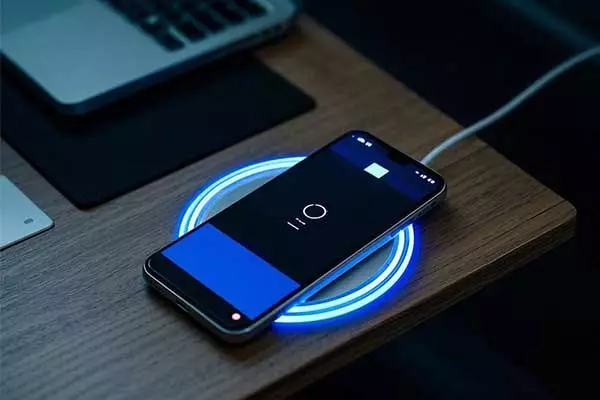
For example, several companies sell magnetic wireless chargers[3] that are compatible with Android. These chargers use magnets to attach securely to your device, making it easier to charge your phone without fumbling with cables. However, the charging speed and reliability can vary greatly depending on the brand and model of your phone.
It’s important to note that the overall experience of using MagSafe-like accessories[4] on Android can be hit or miss, as Android devices have varying designs and layouts. To make MagSafe work on Android, a little trial and error may be involved.
Is MagSafe case safe for Android?
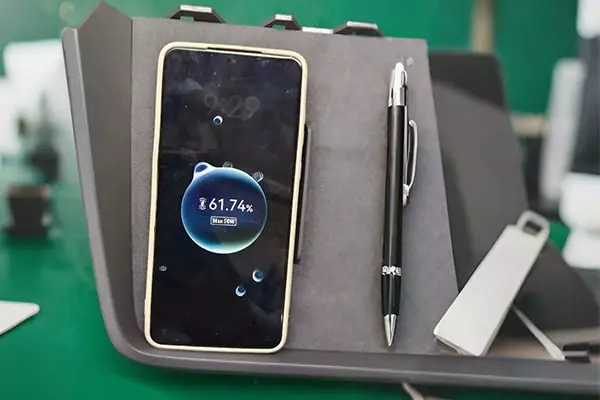
MagSafe cases are generally safe for Android, but there are a few things to consider before using one.
Using a MagSafe case with Android is generally safe, but ensure it’s compatible with your phone’s model and that the magnetic plate aligns correctly.
MagSafe cases for Android[5] phones are becoming more widely available, but there are some considerations to keep in mind. First, not all Android devices are designed to work with MagSafe technology, so it’s important to buy a case specifically designed to add magnetic capabilities to your phone.
The safety of using a MagSafe case on Android generally depends on the quality of the case and the magnetic plate[6] it includes. A well-made case can help align your phone with MagSafe chargers and accessories, while a poorly designed one might lead to unreliable connections or slower charging speeds.
In some cases, the magnetic plate in the case may interfere with the phone’s wireless charging system[7], causing heating issues or slower charging speeds. Always make sure the case you choose is made for your specific phone model to avoid complications.
Table: MagSafe Case Features for Android Phones
| Feature | Importance |
|---|---|
| Magnetic Alignment | Ensures secure connection to MagSafe chargers and accessories. |
| Material Quality | Determines charging speed and device protection. |
| Compatibility | Must match the phone's model and size. |
How does the MagSafe connector work?
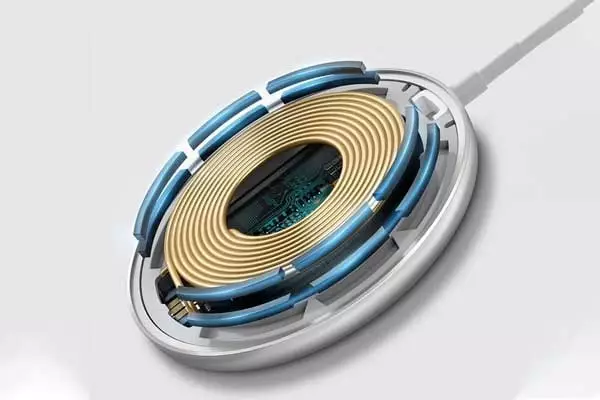
The MagSafe connector uses magnets to align with a device, providing both power and data connections for accessories. But how does this magnetic system work?
MagSafe connectors use embedded magnets to attach securely to your device, enabling faster charging and easier accessory use.
The core of the MagSafe system is its magnetic alignment[8], which ensures that charging accessories attach correctly. The connector, which houses the magnet, is designed to align precisely with the magnetic plate on the device. This alignment allows the phone to charge wirelessly without needing precise placement.
When you place your Android phone near a MagSafe-compatible accessory, the magnets inside the accessory will pull the phone into the correct position. This ensures the phone is both securely attached and properly aligned for efficient charging.
Table: How MagSafe Connectors Work
| Component | Function |
|---|---|
| Magnetic Plate | Attached to the phone, it ensures proper alignment with the accessory. |
| MagSafe Accessory | Contains magnets that connect and align with the plate on the phone. |
| MagSafe Connector | Allows fast wireless charging and data transmission for supported devices. |
How do I add MagSafe to my Android phone?
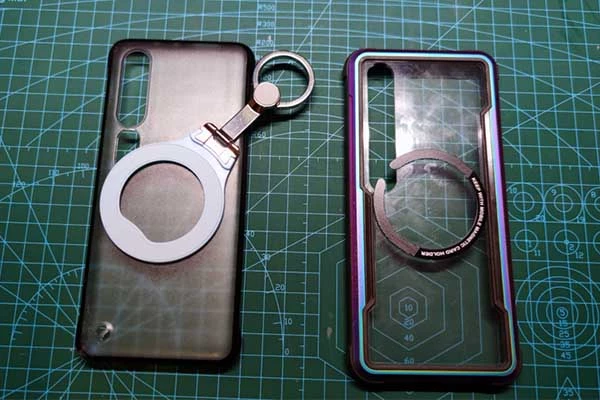
Adding MagSafe to your Android phone is simple but requires extra accessories. Let’s walk through the process.
You can add MagSafe to your Android phone by using magnetic cases and adapters[9] that work with the system.
To use MagSafe with your Android device, the most important step is to buy the right accessories. You’ll need a magnetic case or a magnetic adapter that sticks to your phone. These accessories come with a magnetic plate that aligns with the MagSafe chargers and accessories.
Once you attach the case or adapter, you can use any MagSafe-compatible accessory, such as wireless chargers, stands, and wallets. However, remember that while MagSafe is a great system for Apple devices, its integration with Android is less seamless and may result in slower charging speeds or occasional connection issues.
Here’s a quick guide to add MagSafe:
-
Purchase a magnetic case or adapter designed for your Android phone.
-
Attach the case or adapter to your phone.
-
Use MagSafe-compatible accessories[10] to charge or add other functionality.
Do I really need a MagSafe?
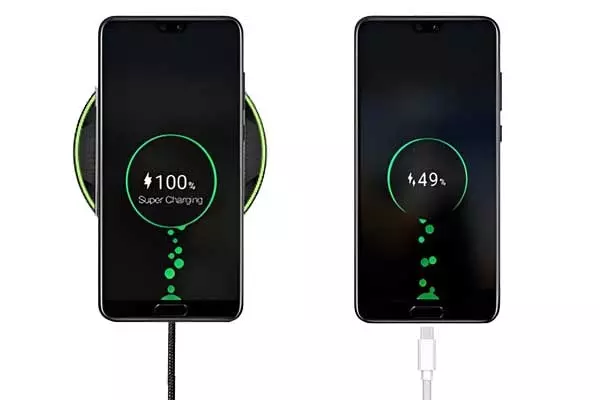
MagSafe offers a new way to interact with your phone, but do you really need it? Let’s explore.
MagSafe is a convenience feature, but it’s not essential for most Android users. Consider if the benefits align with your needs.
MagSafe can offer benefits like easier wireless charging and more stable accessory connections. However, whether you need it depends on how you use your phone. If you’re someone who frequently uses wireless charging or enjoys magnetic accessories, MagSafe could be a good addition to your Android setup.
However, for many users, traditional wireless chargers and accessories may work just as well, especially since Android phones have a wide variety of charging options. Additionally, adding MagSafe may result in extra costs, and the system may not offer as much convenience or performance as it does on iPhones.
Ultimately, whether you need MagSafe depends on how much you value the added convenience of magnetic accessories and wireless charging.
Conclusion
MagSafe for Android is possible, but it’s not essential. Weigh the benefits before investing in this system.
Note:
About Blogger
Benjamin Li
Operation Manager of M-Magnet Company
I will bring you a full range of magnet knowledge and manufacturing experience on neodymium magnets and MagSafe magnet solutions through blogs and emails. I'm not an expert yet in magnets, but we have a whole team to help you solve technical issues, design drawing details, compatibility suggestions from magnetic assemblies, magnet purchasing and many other customized magnet solutions from China. You can follow my blogs on knowledge sharing or contact me for your own magnet solutions. We will always do the best.