Does Wireless Charging Work Better Without a Case?

Is your phone struggling to charge wirelessly with a case on? Many people face slow charging speeds or inconsistent connections. This issue often comes from your phone case. We can help you understand how cases affect wireless charging.
Wireless charging often works better without a case. Cases can reduce efficiency and increase heat due to their thickness or material. Thicker cases, or those with metal, block the electromagnetic field needed for charging. This leads to slower speeds and warmer devices.
How Different Case Materials Affect Wireless Charging
| Case Material | Impact on Charging | Heat Trapping | Efficiency Score (1-5, 5=Best) |
|---|---|---|---|
| Thin Plastic | Minimal impact | Low | 5 |
| Silicone/Rubber | Low impact | Medium | 4 |
| Thick Plastic | Moderate impact | Medium | 3 |
| Leather | Moderate impact | Medium | 3 |
| Metal | Blocks charging | High | 1 |
| Hybrid (w/metal) | Varies, can block | Medium to High | 2 |
We will explore how different cases impact charging. We will also discuss if MagSafe changes this. Keep reading to learn more.
Table of Contents
Can You Wireless Charge Without MagSafe?
Do you own a newer iPhone and wonder about MagSafe? People often ask if they need MagSafe for wireless charging. The answer is simple. Many phones can still charge wirelessly without it. Let us explain how this works.
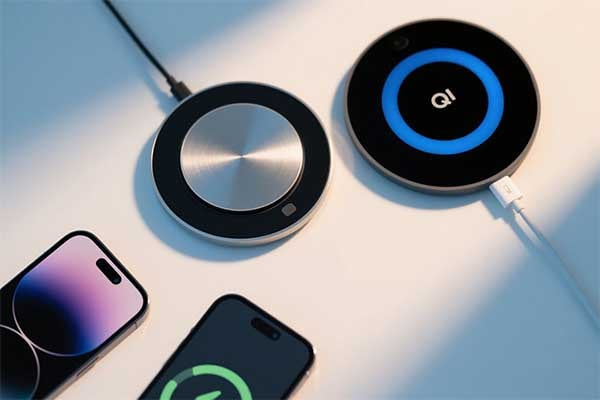
Yes, you can wireless charge without MagSafe. Most modern smartphones, including iPhones, use the Qi wireless charging standard. MagSafe is an Apple-specific magnetic system built on Qi. It improves alignment and speed. But any Qi-certified charger will still power your phone, typically at a slower rate.
Wireless charging has been around for some time. The main standard for this technology is called Qi. Most smartphones that support wireless charging use the Qi standard. This means they have the correct coils to receive power from a Qi-certified charging pad. So, if your phone supports wireless charging, it can usually charge on any standard Qi charger.
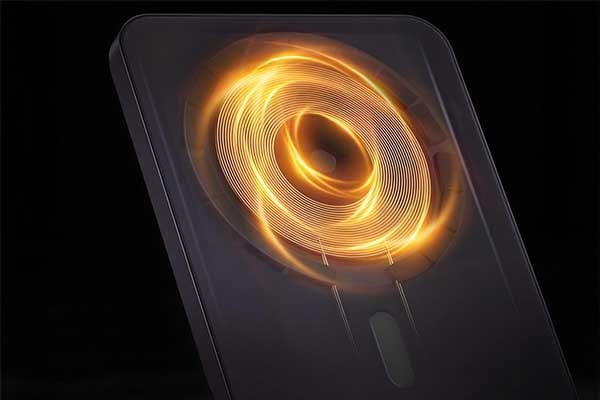
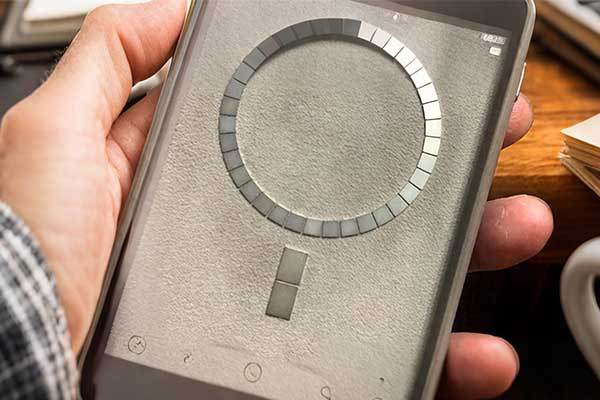
MagSafe is different. Apple introduced MagSafe with the iPhone 12 series. It is a system built on top of the Qi standard. MagSafe adds a ring of magnets around the charging coil inside the iPhone. These magnets serve a very important purpose. They perfectly align your phone with the MagSafe charger. When the phone and charger are perfectly aligned, energy transfer is most efficient.
Without MagSafe, alignment can be tricky. When you place your phone on a standard Qi pad, you have to position it just right. If the coils are not aligned, charging will be slow. It might even stop. This happens often if you just drop your phone on the pad without looking. The magnets in MagSafe solve this problem. They snap your phone into the correct position every time. This means you get the best possible charging speed and efficiency. It also makes attaching accessories much easier.
MagSafe also allows for faster charging speeds. Standard Qi charging for iPhones usually caps at 7.5 watts. A MagSafe charger can deliver up to 15 watts, or even 25 watts for newer iPhone 16 models with specific adapters. This faster speed is possible because of the perfect alignment and the communication between the iPhone and the MagSafe charger. The magnets ensure stable power delivery at higher wattages. This makes a big difference in how quickly your phone charges. If you want the fastest wireless charging, MagSafe is the way to go.
MagSafe vs. Standard Qi Wireless Charging
| Feature | MagSafe Wireless Charging | Standard Qi Wireless Charging |
|---|---|---|
| Magnetic Alignment | Yes, automatic and precise | No, manual alignment needed |
| Max Charging Speed | Up to 15W (or 25W for newer models) | Typically up to 7.5W (for iPhones) |
| Accessory Ecosystem | Yes, magnetic attachment | No, limited or no magnetic attachment |
| Efficiency | High, due to alignment | Varies, depends on alignment |
| Heat Generation | Managed due to efficiency | Can increase with misalignment |
| Required Magnets | Yes, integrated magnets | No, not typically |
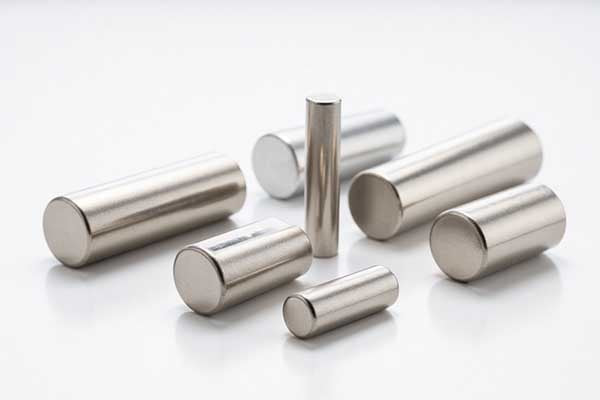
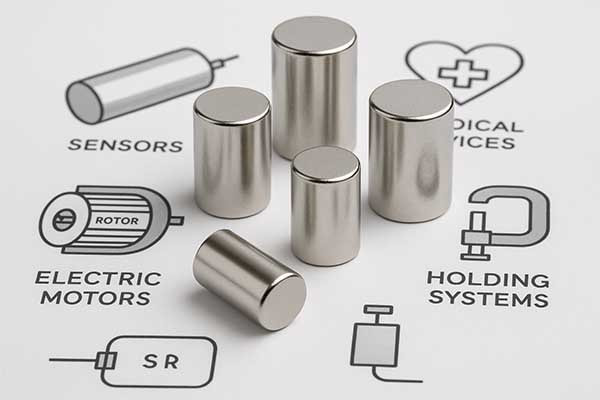
Our company understands the power of precise magnetic alignment. We specialize in neodymium magnets. These magnets are crucial for MagSafe technology. They provide the strong, reliable connection needed for efficient power transfer. Without high-quality magnets, the MagSafe system would not work as well.
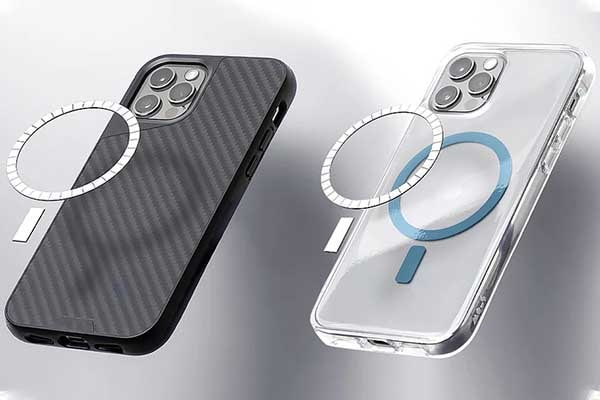
We are a MagSafe magnet factory. We also offer magnet customized solutions. We help companies design products that use magnets for better functionality. This includes creating optimal wireless charging case designs. A well-designed wireless charging case, especially one with integrated magnets, can enhance your charging experience. It ensures your phone snaps into place, giving you fast and consistent power without heating issues.
Does shutting down your phone make it charge faster?
Many believe turning off a phone speeds up charging. This idea sounds logical but needs testing.
Turning off your phone does not make it charge faster. In fact, some tests show phones charge slower when powered off because fast charging protocols may not activate. The phone uses power efficiently while on, allowing faster charging with screen off or in low power mode.
Charging speed depends on how the phone and charger communicate. Modern phones use fast charging standards like USB-PD, which require the phone’s system to be active. When the phone is off, some fast charging features may not work, limiting power input to a basic level.
Tests on iPhones and Android devices show that charging with the phone off often results in slower power delivery, around 5W, compared to 15-20W or more when the phone is on but idle or in airplane mode. The phone’s screen off state reduces power use but keeps fast charging active.
Charging Speeds Based on Phone Power State
| Phone State | Charging Power | Notes |
|---|---|---|
| Powered On (Screen Off) | 15-20W (Fast Charging) | Optimal charging speed |
| Powered Off | ~5W (Slow Charging) | Fast charging protocols inactive |
| Airplane Mode | Similar to powered on | Reduced power consumption, fast charging active |
In my experience at M-Magnet, I often advise users that turning off the phone is not necessary for faster charging. Instead, turning off unnecessary apps, reducing screen brightness, or enabling airplane mode helps save power and maintain fast charging.
Thus, shutting down your phone does not speed up charging and may slow it down due to disabled fast charging features.
Is wireless charging always on?
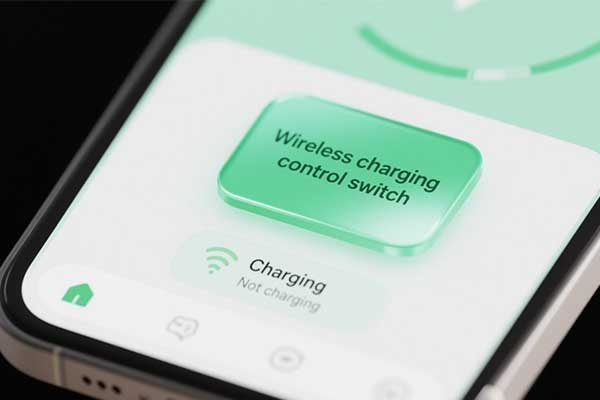
Wireless chargers seem simple but many wonder if they use power when not charging. This question affects energy use and safety concerns.
Wireless charging pads consume a small amount of electricity even when no device is placed on them. This standby power keeps the charger ready to detect a device. However, modern chargers minimize this power use with energy-saving features like automatic shutoff or sleep mode.
When plugged in, wireless chargers maintain internal circuits to detect compatible devices. This requires a small current, often less than 0.5 watts. Though minimal, it adds up if chargers stay plugged in constantly.
Advanced chargers use sensors and microcontrollers to enter low-power states when no device is detected. This reduces standby power and improves energy efficiency.
Wireless Charger Power Consumption States
| State | Power Consumption | Description |
|---|---|---|
| Active Charging | 5-15W | Charging device |
| Standby Mode | <0.5W | Waiting for device detection |
| Sleep Mode / Auto-Off | Near 0W | Energy-saving mode when idle |
From my work at M-Magnet, I know that wireless charging efficiency depends on good design. Minimizing standby power is key to reducing energy waste and environmental impact.
It is good practice to unplug wireless chargers when not in use to save electricity and avoid unnecessary power draw.
How do you activate wireless charging?
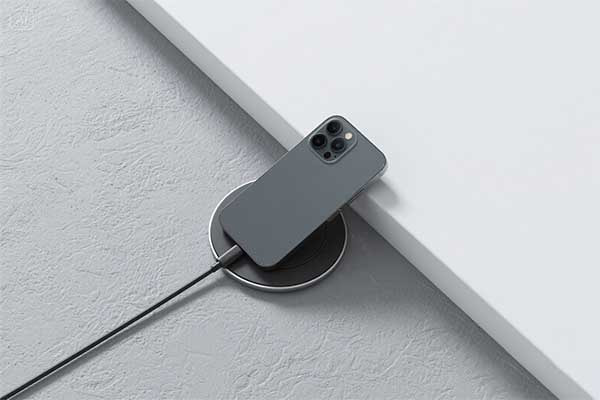
Setting up wireless charging feels like magic when it works perfectly. You place your phone down and watch the battery icon light up. But many people struggle with getting it to work consistently.
Wireless charging activates when you place your compatible device on a charging pad that uses electromagnetic induction. The phone and charger must be properly aligned, and the charging pad needs to be connected to power. Most modern smartphones support Qi wireless charging standard.
I've been working with wireless charging technology for years at M-Magnet, and I can tell you that activation involves more than just dropping your phone on a pad. The process requires precise alignment between the charging coil in your device and the transmitter coil in the charging pad. Your phone needs to support wireless charging protocols like Qi or PMA standards. The charging pad must be plugged into a power source and turned on.
The alignment matters more than most people realize. I see customers who get frustrated because their phone won't charge consistently. The charging coils inside your phone are usually located in the center or upper portion of the device. When you place your phone on the pad, these coils need to line up with the transmitter coils in the charging station. Even a few millimeters of misalignment can prevent charging from starting.
Phone cases can affect activation too. Thick cases or cases with metal components can block the electromagnetic field. I recommend using cases that are 3mm thick or less for optimal performance. Wireless charging overnight works best when you have the right setup and positioning.
Wireless Charging Activation Requirements
| Component | Requirement | Impact on Charging |
|---|---|---|
| Device Compatibility | Qi or PMA Standard | Essential for activation |
| Coil Alignment | Within 5mm tolerance | Determines charging efficiency |
| Case Thickness | Under 3mm recommended | Affects signal transmission |
| Power Supply | Minimum 5W output | Controls charging speed |
Different phone models have different activation methods. iPhones with MagSafe use magnetic alignment to help with positioning. The magnets in MagSafe accessories guide your phone to the correct spot automatically. Android phones typically rely on visual indicators or trial and error to find the sweet spot.
Some charging pads have multiple coils to create a larger charging area. These multi-coil designs make activation easier because you don't need to be as precise with placement. I've tested various designs, and the ones with three or more coils tend to activate more reliably.
Temperature affects activation too. If your phone gets too hot, it might stop wireless charging temporarily. This safety feature prevents damage to your battery. Cold temperatures can also slow down the activation process.
The power adapter you use matters for activation speed. A weak power adapter might not provide enough current to start the charging process quickly. I recommend using adapters that match or exceed the charging pad's power requirements.
Do wireless chargers stop charging after 100%?
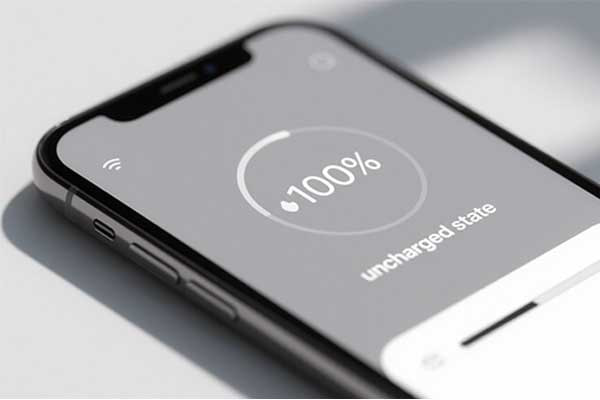
Battery safety keeps me awake at night when I think about overcharging risks. You plug in your phone before bed and wonder if it's safe to leave it charging all night. Modern technology has solutions for this concern.
Yes, wireless chargers automatically stop active charging when your battery reaches 100% capacity. They switch to a maintenance mode that provides small amounts of power only when the battery level drops slightly. This prevents overcharging and protects your battery from damage.
The charging process involves multiple stages that protect your battery health. When your phone reaches 100% charge, the wireless charger reduces power output to nearly zero. It monitors your battery level continuously and only provides power when needed.
This smart charging behavior happens through communication between your phone and the charging pad. Your device sends signals to the charger about its current battery status. The charger responds by adjusting power output accordingly. When the battery drops to around 95-98%, the charger briefly activates to top it off again.
Wireless charging overnight actually works better than many people expect because of these safety features. The technology prevents the constant high-power charging that can damage batteries over time. Instead, it maintains your battery at full capacity with minimal energy transfer.
Heat management plays a crucial role in the automatic stop feature. Wireless charging generates more heat than wired charging due to energy transfer losses. When your phone reaches 100% and stops drawing significant power, it also stops generating excess heat. This cooling effect helps preserve battery longevity.
Wireless Charging Safety Features
| Safety Feature | Function | Battery Protection |
|---|---|---|
| Auto Power Cutoff | Stops charging at 100% | Prevents overcharging |
| Temperature Monitoring | Detects overheating | Prevents thermal damage |
| Trickle Charging | Maintains full charge | Reduces charging cycles |
| Foreign Object Detection | Identifies metal objects | Prevents short circuits |
The communication protocol between devices ensures safe operation. Your phone constantly sends information about its charging status, temperature, and power needs. The wireless charger processes this data and adjusts its behavior accordingly. This two-way communication prevents dangerous charging conditions.
Different phone manufacturers implement slightly different stop charging behaviors. Apple devices tend to be more conservative and may stop charging at 99% in some conditions. Samsung phones often use adaptive charging that learns your daily routine and optimizes charging timing.
I notice that older wireless chargers from 2015-2017 might not have the same sophisticated stop mechanisms as newer models. If you're using an older charging pad, consider upgrading to a newer model with better safety features. Modern chargers also include foreign object detection that stops charging if metal objects are detected on the pad.
The quality of your charging pad affects how well these safety features work. Cheap, uncertified chargers might not implement proper stop charging protocols. This could potentially lead to overcharging or overheating issues. I always recommend using Qi-certified chargers that meet industry safety standards.
Environmental factors can influence when charging stops. High ambient temperatures might cause the charger to stop earlier to prevent overheating. Cold environments might allow charging to continue slightly longer since heat dissipation is better.
Battery age also affects the stop charging behavior. Older batteries with reduced capacity might trigger the stop mechanism at different charge levels. This adaptive behavior helps extend the life of aging batteries by reducing stress from overcharging.
Does wireless charging wear out?
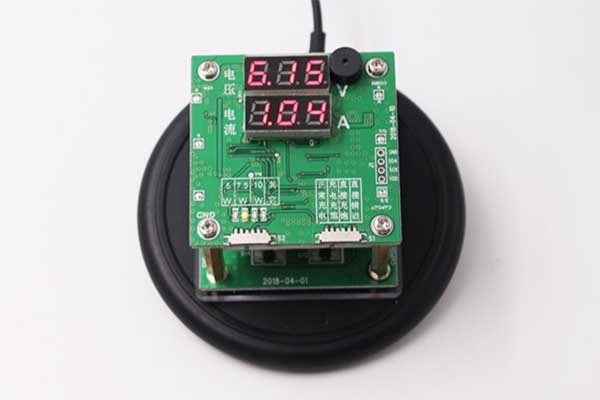
Many people worry that wireless charging might damage their phone battery faster. This concern is common but needs clear answers.
Wireless charging can cause slightly more heat than wired charging, which may contribute to faster battery wear over time. However, modern wireless chargers regulate heat and power to minimize damage. For most users, the impact on battery lifespan is minimal and manageable with good charging habits.
Wireless charging works by transferring energy through electromagnetic fields, which is less efficient than wired charging. This inefficiency produces extra heat, a known factor in battery degradation. Heat accelerates chemical reactions inside lithium-ion batteries, reducing their capacity and lifespan.
Despite this, wireless chargers today include temperature sensors and smart controls. They reduce power or pause charging if the device gets too hot. These protections help prevent serious damage from heat during wireless charging.
Wireless Charging Impact on Battery Health
| Factor | Effect | Notes |
|---|---|---|
| Heat Generation | Increases battery temperature | Main cause of faster battery wear |
| Charging Efficiency | Lower than wired charging | More energy lost as heat |
| Battery Management Systems | Regulate charging to avoid overheating | Protect battery health effectively |
| User Habits | Affect battery lifespan | Avoid overheating and overcharging |
Using quality chargers with temperature control and avoiding charging in hot environments helps extend battery health.
Although wireless charging generates more heat than wired methods, the difference in battery wear is small for most users. If you plan to keep your device for many years, using wired charging or slow wireless charging can be better. For everyday use, wireless charging offers great convenience with minimal impact.
In summary, wireless charging can wear out batteries slightly faster due to heat, but modern technology and good habits keep this effect low. The convenience of wireless charging often outweighs the minor battery wear for most users.
Conclusion
Wireless charging works best without a phone case, or with a properly designed wireless charging case. This is because case thickness, material, and heat trapping can reduce efficiency. MagSafe enhances wireless charging significantly. It uses magnets for perfect alignment and faster speeds. While you can use standard Qi charging without MagSafe, MagSafe offers superior performance. We, M-Magnet, understand magnets are key for optimal wireless charging. We provide solutions for better wireless power.