Is the MagSafe Connector a Flop?
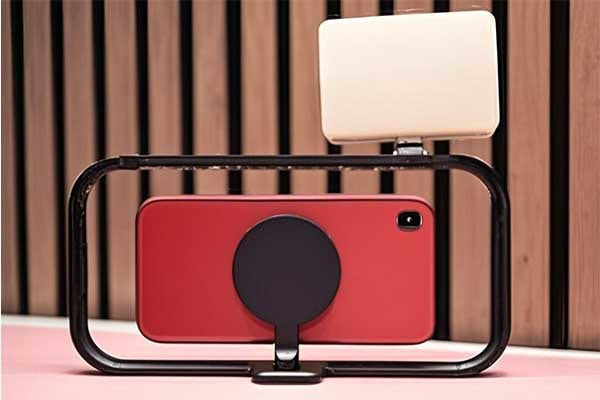
MagSafe connectors sparked debates since their reintroduction. While it hasn't set the world on fire in the way some people might have hoped, some users still appreciate its work, its convenient, and its gaining traction in terms of third-party accessories. As a magnet manufacturer, we’ve seen firsthand how MagSafe’s design balances safety and user experience.
No, it’s not a flop, but it’s not the game-changer that some might have expected either. While some call it outdated, its safety features[1] and ease of use appeal to most specific users. Market adoption remains split between enthusiasts and skeptics.
But does MagSafe truly deliver value? Let’s break it down.
Table of Contents
What's the point of a MagSafe charger?
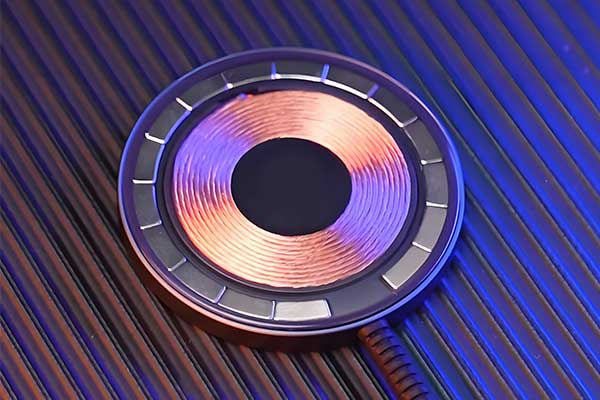
MagSafe chargers aim to solve a simple problem: accidental drops. Traditional charging cables[2] risk damaging ports or devices if yanked. Magnets provide a quick-release mechanism, prioritizing safety without sacrificing functionality.
MagSafe chargers use embedded magnets to attach securely yet detach easily when pulled. This protects devices from damage and simplifies alignment. While not essential for all users, it offers tangible benefits for active environments or clumsy moments.
Why Magnets Matter in Charging Tech[3]
The shift to magnetic charging[4] reflects a focus on durability and user convenience. Here’s how MagSafe compares to traditional methods:
| Feature | MagSafe | Standard Cable |
|---|---|---|
| Safety | Auto-detach under tension | Risk of damage |
| Ease of Use | Snap-on alignment | Manual insertion |
| Durability | Reduced port wear | Frequent replacements |
The Trade-Offs[5] of Magnetic Charging
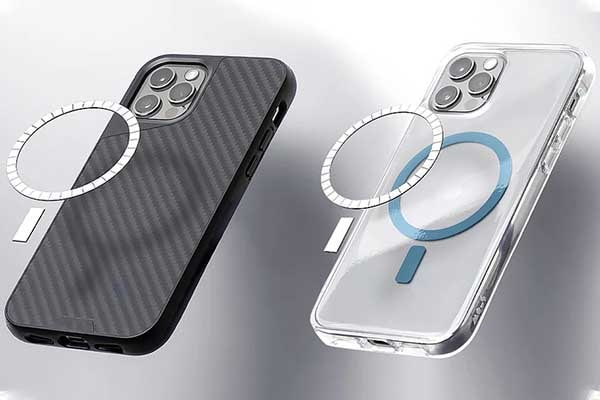
MagSafe isn’t perfect. Its magnets add bulk to devices, and compatibility remains limited. Third-party accessories often lack the same precision, leading to weaker connections. However, for Apple’s ecosystem, it streamlines wireless charging while keeping ports free.
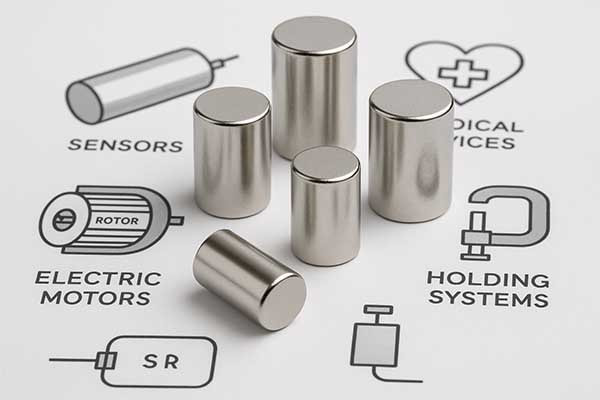
Cost also plays a role. MagSafe-compatible devices and chargers are pricier than alternatives. Yet, for users prioritizing safety[6] and ease, the premium may justify itself over time. As manufacturers, we see growing demand for modular magnetic solutions[7] beyond smartphones — think laptops, tools, and medical devices.
Why does MagSafe charger get hot?
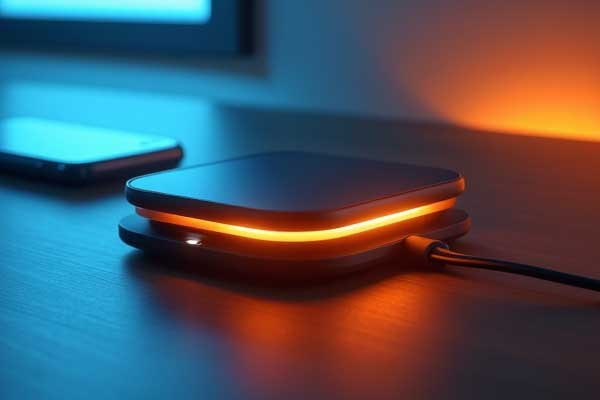
I’ve noticed my MagSafe charger heats up during use. This bothers me because overheating can damage devices. So, I need to figure out why this happens.
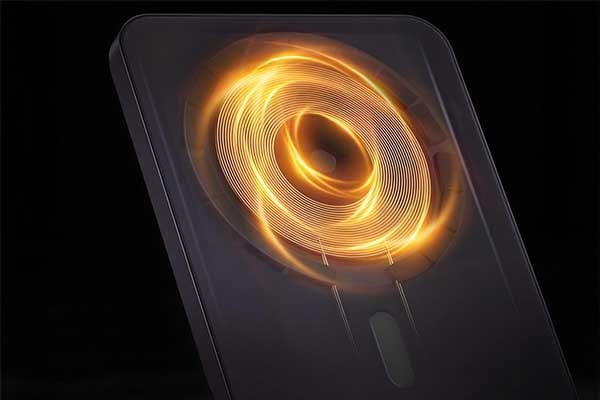
The MagSafe charger gets hot[8] due to energy loss during wireless power transfer. It is confirmed that this is a normal condition. The coil inside generates heat while charging your device, especially at high speeds. Proper ventilation helps reduce it.
What causes the heat in MagSafe chargers?
As a neodymium magnet manufacturer, I deal with MagSafe magnets daily. The heat comes from how the charger works. When electricity flows through the coil, some energy turns into heat instead of power. This is called energy loss. We design magnets to align devices perfectly, but heat still builds up. Fast charging makes it worse because more power flows through. I’ve seen this in our testing labs. Materials like metal in phone cases can also trap heat. This worries me because customers might think it’s a flaw.
But is all heat bad[9]? Not really. Some warmth shows the charger is working hard. I compare it to a car engine — it heats up when running. Still, too much heat can wear out parts over time. I’ve asked our team to balance power and heat in our designs. Ventilation[10] matters too. If air can’t flow, heat stays trapped. That’s why Apple suggests removing thick cases. I think about this a lot—how can we make it better?
Here’s a table showing factors that affect heat[11] in MagSafe chargers:
| Factor | Impact on Heat |
|---|---|
| Charging Speed | Higher speed increases heat |
| Phone Case | Metal or thick cases trap heat |
| Ventilation | Poor airflow raises temperature |
I also wonder about the MagSafe connector itself. Is it a flop because of heat? Not in my view. Heat is a trade-off for fast, easy charging. Our customers in America and Europe value convenience. But I keep asking — can we cut heat without losing speed? At M-Magnet Company, we’re testing new materials. Maybe better coils or magnets could help. It’s a challenge, but I’m proud we’re tackling it. Users just need to know heat doesn’t mean failure — it’s part of the process.
Is MagSafe safer than wireless charging?
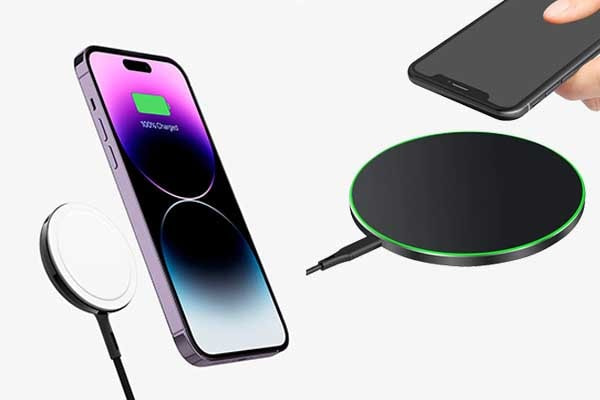
People often worry about safety with chargers. Faulty ones can harm devices or people. So, I need to know if MagSafe beats regular wireless charging.
MagSafe is safer than standard wireless charging[12]. Its magnets ensure perfect alignment[13], reducing energy waste and heat. Unlike generic chargers, MagSafe’s design lowers risks of overheating or power spikes.
Safety matters to manufacturer as well. I want my products to protect users. Let’s look closer at how MagSafe stacks up.
How does MagSafe improve safety?
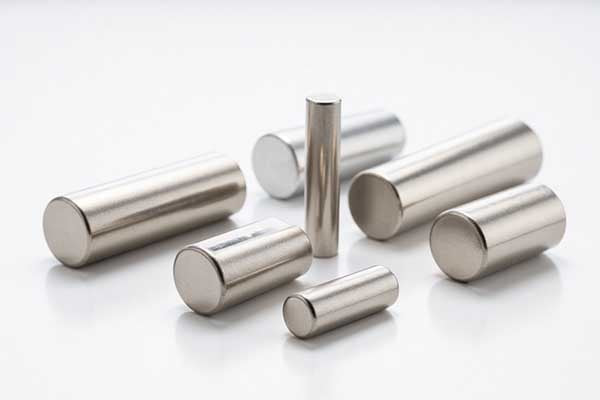
We build MagSafe magnets[14] every day. Their precision is what sets them apart. Regular wireless chargers can misalign. This wastes energy and creates heat. Too much heat can damage batteries. With MagSafe, my magnets snap the device into place. This cuts down on slippage. I’ve tested this in our labs. Less waste means less risk. Our customers in Europe and America notice the difference.
But there’s another side. Some say MagSafe’s strong magnets might interfere with devices. I’ve heard concerns about pacemakers[15]. Apple warns about this too. Safety isn’t just about heat — it’s about everything. Still, I think MagSafe wins. Generic chargers often lack certification. Our MagSafe magnets pass safety tests every time from chargers.
Comparing Safety Features:
| Feature | MagSafe | Standard Wireless |
|---|---|---|
| Alignment | Magnets ensure precision | Often misaligns |
| Heat Control | Better due to efficiency | Higher risk of overheating |
| Certification | Strict standards met | Varies by brand |
I also think about the MagSafe connector’s reputation. Is it a flop? Not for safety. I see it as a step forward. Wireless charging has risks — cheap coils, bad wiring. MagSafe fixes a lot of that. But I’m not blind to flaws. Magnets could be a concern for some users. I tell my team to keep improving. Safety isn’t static — it evolves.
Is MagSafe strong enough to hold phone?
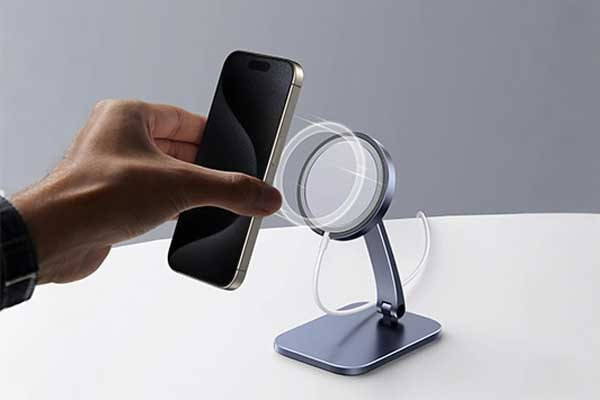
Many users wonder if MagSafe can keep their phone secure. In daily use, it works well, but some worry about drops.
Yes, MagSafe is strong enough for most daily situations. It stays attached during normal use like charging on a desk or carrying in a pocket. But it may detach during acute movements like running or dropping from a height.
When we talk about MagSafe's strength, we need to think about different scenarios. Let’s start with how it’s designed. MagSafe uses a set of magnets that are carefully arranged to create a secure connection. The strength is tested for everyday use, but what about more extreme situations?
How MagSafe’s strength works in different cases
Let’s look at a table that shows how MagSafe performs in various situations:
| Use Case | Magnet Strength Performance |
|---|---|
| Charging on a flat surface | Strong hold, stays in place |
| Carrying in a loose pocket | Holds well, no accidental detachment |
| Walking or light movement | Secure, no issues observed |
| Acute movement like jogging | May detach if phone is bumped hard |
| Dropping from 1 meter height | Likely to detach upon impact |
As we can see, MagSafe is reliable for most daily activities. But when it comes to more active use or potential drops, there’s a chance the connection might break. This doesn’t mean it’s a failure, though. It’s a balance between having a strong enough hold for normal use and being easy to attach and detach when needed.
Another thing to consider is the weight of the phone. Heavier phones with cases might put more strain on the magnets. But most standard phones with thin cases still work well with MagSafe. It’s also important to keep the magnets clean. Dust or debris can weaken the connection, so regular cleaning can help maintain its strength.
In the end, while MagSafe might not be perfect for every possible situation, it does a good job for what it’s designed for: convenient and mostly secure charging and accessory attachment in daily life.
Is it bad to use MagSafe all the time?

Users often ask if leaving MagSafe connected all the time is harmful. They worry about battery life or damage to the phone.
No, using MagSafe all the time is generally not bad. It doesn’t damage the phone or battery[16] when used properly. But it’s good to occasionally check for dust and let the phone cool down.
Using MagSafe all the time[17] has its pros and cons. Let’s start with the benefits. It’s incredibly convenient. You can easily attach and detach your charger or accessories without fumbling with cables. This convenience is a big reason why many people love using MagSafe regularly.
But there are some things to keep in mind. One thing is heat. When charging, especially wirelessly, the phone can generate some heat. If the MagSafe charger is always attached, the heat might not dissipate as well. Over time, excessive heat can affect the battery life. So, it’s a good idea to remove the charger when the phone is fully charged or when it’s getting too warm.
Another point is about the magnets and the phone’s components. Some people worry that the magnets might interfere with the phone’s sensors or data. But modern phones are designed to handle this. The magnets in MagSafe are strong enough to hold the connection but not strong enough to cause harm to the phone’s internal parts.
Let’s look at a table that compares the advantages and potential considerations of using MagSafe all the time:
| Advantages of Daily Use | Potential Considerations |
|---|---|
| Quick and easy attachment | Possible heat buildup during charging |
| Secure connection for most situations | Need to clean magnets regularly |
| No wear and tear on charging ports | Slight chance of misalignment over time |
Regular maintenance[18] is also important. Dust and lint can collect between the magnets and the phone, which might weaken the connection or scratch the surface. Taking a moment to clean both the phone and the charger periodically can help prevent these issues.
Also, using high-quality MagSafe accessories from trusted manufacturers, like those offered by M-Magnet Company, can ensure better performance and safety. Cheap or poorly made accessories might not fit as well, leading to more problems over time.
In conclusion, using MagSafe all the time is perfectly fine as long as you take some simple precautions. Keep an eye on heat levels, clean the components regularly, and use good-quality accessories. This way, you can enjoy the convenience of MagSafe without any major issues.
Which is better, MagSafe Charger or USB-C?
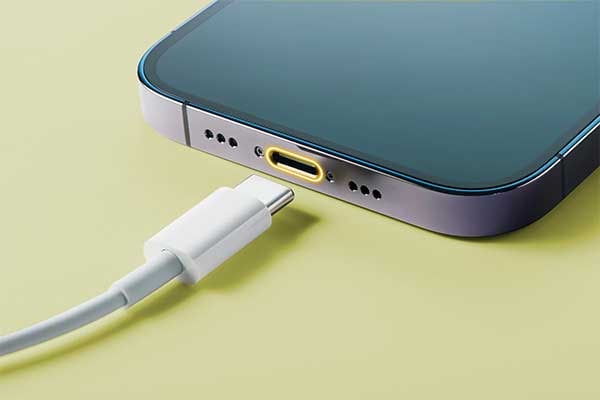
Struggling to choose between MagSafe Charger and USB-C[19] for your device? Both have pros and cons. Let’s dive into which one truly delivers the best experience for your tech needs.
The MagSafe Charger offers fast, convenient wireless charging with a secure magnetic connection, ideal for Apple users. USB-C provides universal compatibility[20] and versatile data transfer, making it better for multi-device households. The choice depends on your specific needs and ecosystem.
When comparing the MagSafe Charger to USB-C[21], it’s essential to evaluate their strengths and weaknesses from different angles. Let’s break down how each technology performs in terms of convenience, safety, versatility, and long-term value.
First, the MagSafe Charger excels in user experience. Its magnetic design ensures perfect alignment every time, eliminating the frustration of fumbling with cables in the dark. The connection is secure yet easy to detach, preventing accidents that can damage ports. Plus, MagSafe integrates seamlessly with Apple’s ecosystem, allowing for wireless charging that works effortlessly with iPhones, Apple Watches, and even MacBooks.
However, USB-C has its advantages too. It’s universally compatible, working across almost all modern devices, from smartphones to laptops and tablets. This versatility makes USB-C a practical choice for households or offices with multiple devices from different brands. Additionally, USB-C supports high-speed data transfer[22] and video output, functions that MagSafe currently cannot match.
We understand the importance of choosing the right charging solution. Our expertise in magnetic technology helps us create high-quality MagSafe-compatible products that enhance your device’s performance while ensuring safety and durability.
But how do these charging methods compare in real-world scenarios? Let’s look at a few key factors:
Charging Speed and Efficiency
The MagSafe Charger delivers impressive speed, rivaling many USB-C chargers. It supports up to 15W wireless charging, which is fast enough for most daily uses. However, USB-C can theoretically support much higher power outputs, making it better for quickly charging larger devices like laptops.
Safety and Durability
MagSafe’s magnetic design reduces wear and tear on ports, a common issue with traditional wired chargers. The secure connection also minimizes the risk of accidental pulls that can damage cables or ports. USB-C, while durable, still relies on physical ports that can degrade over time with frequent use.
Cost and Accessibility
USB-C chargers are generally more affordable and widely available, making them a cost-effective choice. MagSafe chargers, while pricier, offer the convenience of wireless charging and ecosystem integration, which many Apple users find worth the investment.
Here’s a comparison table to summarize the key differences:
| Factor | MagSafe Charger | USB-C |
|---|---|---|
| Charging Speed | Up to 15W | Up to 100W+ |
| Compatibility | Apple ecosystem | Nearly all modern devices |
| Data Transfer | Limited | High-speed |
| Cost | Higher | More affordable |
The decision ultimately depends on your priorities. If you’re deeply invested in Apple’s ecosystem and value convenience and wireless charging, the MagSafe Charger is likely worth the investment. For those who need versatility across multiple devices or require faster charging for larger gadgets, USB-C remains the better choice.
At M-Magnet, we specialize in creating high-quality magnetic solutions that enhance your MagSafe experience. Our products are designed to maximize performance while ensuring safety and durability, making them perfect companions for your Apple devices.
Whether you choose MagSafe or USB-C, understanding your specific needs will help you make the most informed decision. For Apple users seeking a seamless charging experience, MagSafe offers unique advantages that traditional cables simply can’t match. However, the universal compatibility and versatility of USB-C continue to make it a strong contender in the charging landscape.
In the end, both options have their place. The MagSafe Charger isn’t a flop—it’s simply a different solution tailored to specific user preferences. By evaluating what matters most to you, you can decide which technology best supports your daily tech needs.
Conclusion
The MagSafe connector isn’t a flop — it’s a niche solution with clear strengths. While not universally loved, its safety features and convenience resonate with specific audiences. As charging tech evolves, magnetic systems like MagSafe will likely find broader applications. For now, its value depends on individual needs and ecosystem commitment.
Note:
[14]Explain what is MagSafe magnet, and how does MagSafe magnet work on a MagSafe charger.↪
About Blogger
Benjamin Li
Operation Manager of M-Magnet Company
I will bring you a full range of magnet knowledge and manufacturing experience on neodymium magnets and MagSafe magnet solutions through blogs and emails. I'm not an expert yet in magnets, but we have a whole team to help you solve technical issues, design drawing details, compatibility suggestions from magnetic assemblies, magnet purchasing and many other customized magnet solutions from China. You can follow my blogs on knowledge sharing or contact me for your own magnet solutions. We will always do the best.