Is MagSafe Better Than USB-C?
Choosing the right charging method can be confusing. MagSafe and USB-C both offer advantages, but which one truly fits your needs better?
MagSafe offers faster charging up to 140W, a magnetic connection for safety, and frees USB-C ports for other uses. USB-C provides versatility for charging, data transfer, and video output but maxes out at 100W charging power. The best choice depends on your priorities between speed, convenience, and multi-functionality.
Let’s explore the differences between MagSafe and USB-C charging in detail.
Table of Contents
Is it better to charge with MagSafe or USB-C?
Choosing between MagSafe and USB-C charging depends on what you value most: speed, convenience, or versatility.
MagSafe provides a magnetic connection that snaps easily onto your MacBook, delivering up to 140W of power for fast charging. USB-C offers charging up to 100W, plus data transfer and video output, making it a more versatile but slightly slower option.
MagSafe reduces wear on ports by detaching safely if the cable is pulled, preventing accidents. USB-C ports are universal and support multiple functions but can wear out faster due to frequent plugging and unplugging. MagSafe frees USB-C ports for other devices, which is useful for users with many peripherals.
Comparing MagSafe and USB-C Charging
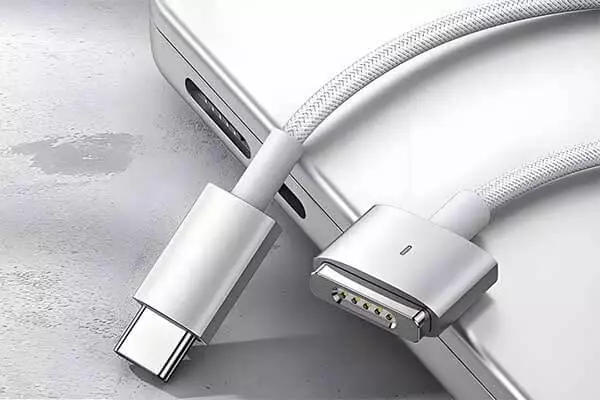
MagSafe and USB-C differ in design, power delivery, and functionality. MagSafe’s magnetic connector is designed specifically for MacBooks, ensuring a secure yet easily detachable connection. This reduces the risk of damage if someone trips over the cable.
USB-C, on the other hand, is a universal standard used across many devices, supporting charging, data transfer, and video output through a single port. This versatility makes USB-C indispensable for users who want fewer cables and more functionality.
Comparison of MagSafe vs USB-C Charging Features
| Feature | MagSafe | USB-C |
|---|---|---|
| Charging Power | Up to 140W | Up to 100W |
| Connection Type | Magnetic snap-on | Universal reversible plug |
| Port Usage | Dedicated charging port, frees USB-C ports | Uses shared ports for charging and data |
| Durability | Less wear on ports, safer disconnect | More wear from frequent plugging/unplugging |
| Versatility | Charging only | Charging, data transfer, video output |
MagSafe’s magnetic design also makes it easier to connect in tight spaces or low light. USB-C’s multi-functionality is great for users who want fewer cables but may sacrifice charging speed and port availability.
Can you use MagSafe on USB-C?
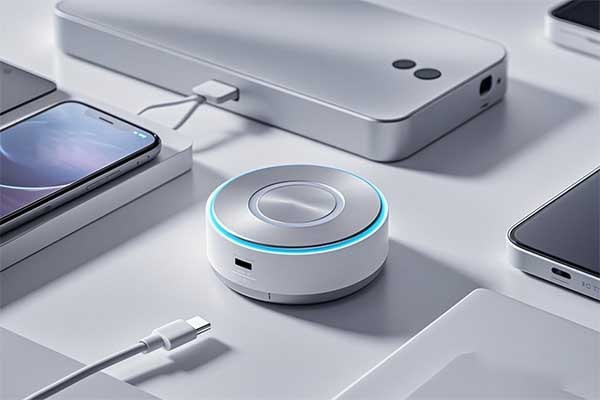
MagSafe and USB-C serve different purposes, but adapters and hybrid cables now bridge the gap. At M-Magnet, we engineer MagSafe-compatible solutions that integrate with USB-C ports for flexible charging.
Yes, you can use MagSafe with USB-C via adapters or hybrid cables, but native MagSafe requires Apple’s magnetic ring design. Third-party options exist, but ensure compatibility with your device’s charging standards.
How MagSafe and USB-C Work Together
MagSafe uses magnets for alignment, while USB-C relies on physical insertion. Combining them requires careful engineering to maintain efficiency and safety.
Key Compatibility Factors
| Feature | MagSafe | USB-C |
|---|---|---|
| Connection Type | Magnetic | Physical port |
| Max Power Delivery | 15W (iPhone) | 100W+ |
| Adapter Required | Yes (for USB-C) | No |
The USB-C Connection for MagSafe Chargers
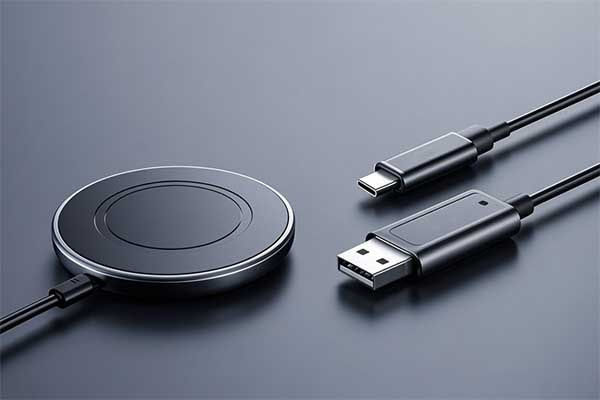
MagSafe chargers, specifically the puck-shaped charger designed for iPhones, do not have a separate power adapter in the box. Instead, they come with a cable that has the MagSafe charging puck on one end and a USB-C connector on the other end. This design means that the MagSafe charger itself relies on the widely adopted USB-C standard for its power input.
To use your MagSafe charger, you will need to plug this USB-C connector into a power source.
This power source is usually a USB-C power adapter that you plug into a wall outlet. For optimal and fast charging speeds, Apple recommends using a USB-C power adapter of at least 20 watts (W).
However, you can use higher wattage USB-C adapters too, as the MagSafe charger and iPhone will regulate the power they draw.
You can also plug the MagSafe charger's USB-C cable into a USB-C port on a computer, like a MacBook, although the charging speed might be slower depending on the power output of that specific port.
MagSafe: A Standard, Not a Connector
It is important to understand the difference between MagSafe and USB-C.
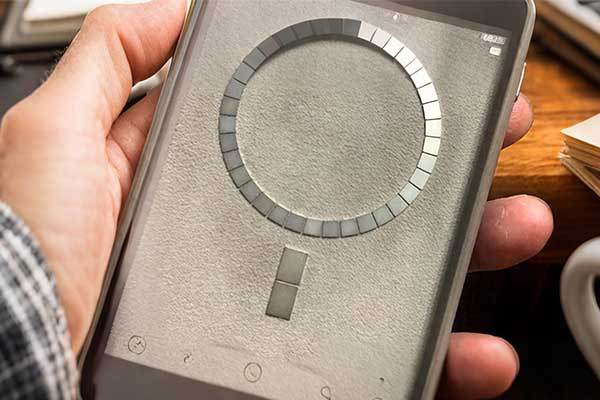
MagSafe is a technology developed by Apple. For iPhones, it refers to a system of magnets around the wireless charging coil. These magnets ensure that the MagSafe charger aligns perfectly with the iPhone. This perfect alignment allows for efficient wireless power transfer and faster charging speeds compared to standard Qi wireless charging. The magnetic attraction also makes it easy to snap accessories like wallets or stands onto the back of the iPhone.
USB-C is a type of physical connector and a communication standard. It is a universal connector that can be used for power delivery, data transfer, and video output. Its reversible design means you can plug it in either way. Many modern devices, from smartphones (including newer iPhones) and tablets to laptops and monitors, use USB-C ports.
For MagSafe to USB-C integration, third-party accessories must balance magnetic alignment with USB-C’s power delivery. Poorly designed adapters may reduce charging speed or cause overheating.
Do MagSafe chargers get hot?
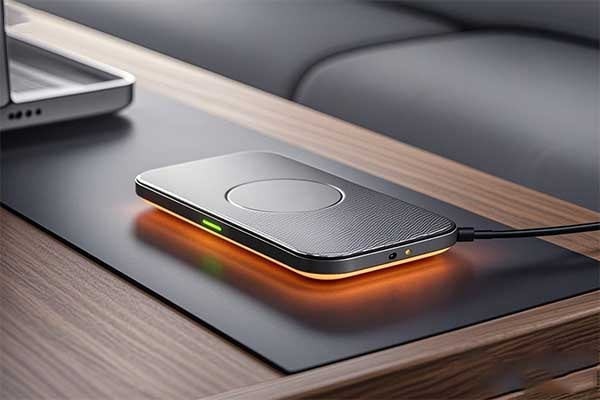
Users frequently notice their MagSafe chargers becoming warm during use.This can raise concerns about potential damage to their device or the charger itself, making them question its safety.
Yes, MagSafe chargers typically get warm during use. This is a normal part of MagSafe charging. MagSafe, or wireless charging, relies on electromagnetic induction, which generates some heat as energy is transferred from the charger to the device. Both the charger and the iPhone are designed to handle this operational heat.
Why MagSafe Chargers Heat Up
Heat comes from energy conversion and magnetic induction. Apple’s MagSafe includes thermal management, but knockoffs often skip this.
Temperature Comparison: MagSafe vs. USB-C
| Scenario | MagSafe | USB-C |
|---|---|---|
| Idle Temperature | 30-35°C | 25-30°C |
| 15W Charging | 40-45°C | 35-40°C |
| With Case | 45-50°C | N/A |
MagSafe chargers typically get warm during use. This is a normal part of wireless charging. Wireless charging relies on electromagnetic induction, which generates some heat as energy is transferred from the charger to the device. Both the charger and the iPhone are designed to handle this operational heat.
How Induction Creates Heat
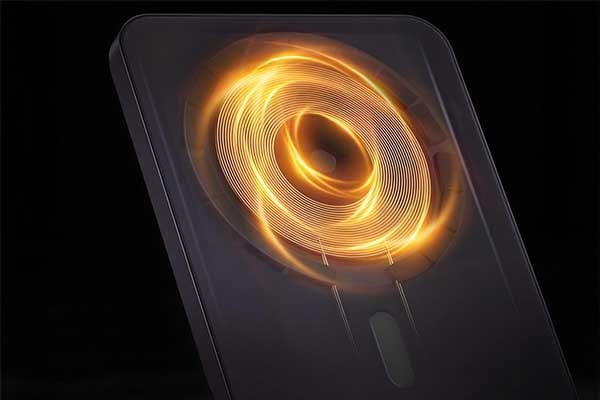
Inside the MagSafe charger, there is a coil of wire. When electricity flows through this coil, it creates an alternating electromagnetic field. When you place your iPhone on the charger, your phone also has a coil. The electromagnetic field from the charger induces an electric current in your phone's coil. This induced current then charges your phone's battery.
This process is very efficient, but it is not 100% perfect. Some energy is always lost during the transfer. This lost energy converts into heat.
This heat happens because there is some resistance in the materials of the coils in both the charger and the phone. Think of it like pushing water through a narrow pipe; some energy is lost as friction. This energy loss shows up as warmth.
This is why any wireless charger, not just MagSafe, will generate some heat during operation.
Factors Affecting Charger Temperature
Several things can make your MagSafe charger hotter than usual:
Charging Speed: MagSafe chargers can deliver up to 15 watts of power to compatible iPhones. Faster charging means more energy is transferred quickly, and this can generate more heat. If you use a slower charger, it might feel cooler.
Phone Usage During Charging: If you use your iPhone while it is charging wirelessly, both the charging process and the phone's internal activities (like running apps, gaming, or streaming videos) create heat. This combined heat can make both the phone and the charger feel much warmer.
Phone Case: The material and thickness of your phone case can affect heat dissipation. Thicker cases or cases made of materials that trap heat (like some silicone cases) can cause the charger and phone to get hotter because heat cannot escape easily.
Ambient Temperature: If you charge your phone in a very warm room or in direct sunlight, the overall temperature of the environment adds to the heat generated by the charging process. This can lead to higher temperatures for the charger and phone.
Alignment: Proper alignment between the MagSafe charger and your iPhone is important. The magnets in MagSafe help ensure perfect alignment. If the alignment is not perfect, energy transfer can be less efficient, leading to more heat generation.
To minimize heat, avoid charging in hot environments and remove thick cases. Our M-Magnet MagSafe to USB C adapters include heat-dissipating materials for safer operation.
Does MagSafe work with any adapter?
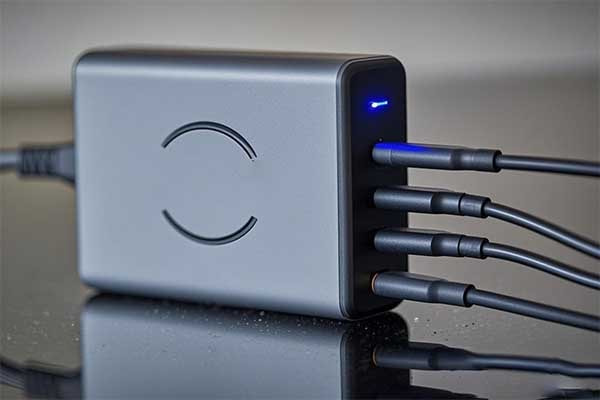
People often assume all chargers are the same — but the wrong adapter can damage your device or reduce charging speed.
No, MagSafe does not work with just any adapter. It requires a compatible power adapter that supports USB-C Power Delivery and can deliver sufficient wattage (usually 20W or more) for optimal charging performance.
Charging performance is closely tied to adapter compatibility.
While MagSafe is designed for convenience and efficiency, it still relies on a USB-C power adapter with proper output specifications.
Not every adapter can meet these needs. The official Apple MagSafe charger works best with Apple’s 20W USB-C adapter or other high-quality third-party adapters that match its power standards.
Using low-power or non-compliant adapters can slow charging, cause overheating, or make MagSafe detach more easily due to weak magnetic coupling.
Common MagSafe Adapter Compatibility Table
| Adapter Type | MagSafe Charging Compatibility | Notes |
|---|---|---|
| Apple 20W USB-C Adapter | Fully Compatible | Recommended for full 15W charging |
| Third-Party 18W–30W USB-C PD | Generally Compatible | Check for PD support |
| Non-PD USB-A Adapters | Not Compatible | Insufficient power and no PD support |
I often see buyers from Europe and the US using low-quality adapters with MagSafe chargers. At M-Magnet, we manufacture custom MagSafe magnet rings and modules, and always remind clients to choose certified power accessories. That helps prevent damage to devices and maintains the expected charging efficiency MagSafe is designed for.
What is the difference between the old MagSafe and the new MagSafe?
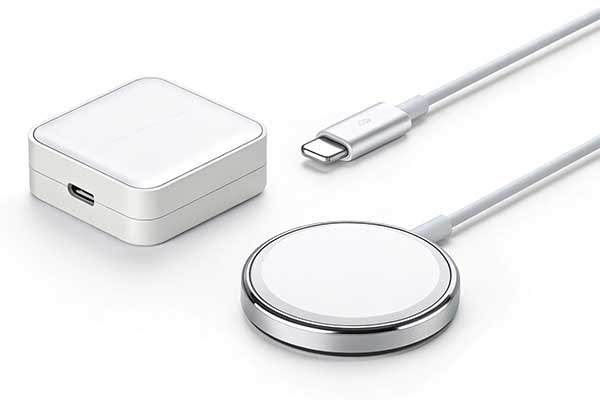
Some users still confuse Apple’s old MagSafe with today’s iPhone MagSafe. But they’re different technologies with different purposes.
The old MagSafe was a magnetic charging connector for MacBooks, while the new MagSafe is a magnetic alignment and wireless charging system for iPhones. They serve different devices, use different charging methods, and have different power outputs.
The original MagSafe was introduced for MacBooks. It used a magnetically attached DC power cable that snapped away if pulled, preventing laptop damage.
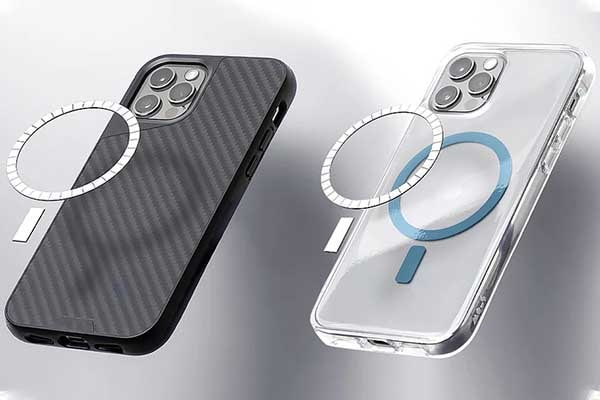
The new MagSafe, introduced in iPhone 12, is built around Qi wireless charging with magnetic alignment. It keeps the charger perfectly placed on the phone for faster and more reliable charging. The new system also allows for mounting accessories like wallets and cases magnetically.
These two types of MagSafe differ in power delivery, connector shape, and supported devices.
Old vs. New MagSafe Comparison
| Feature | Old MagSafe (Mac) | New MagSafe (iPhone) |
|---|---|---|
| Device Type | MacBook laptops | iPhones (12 and later) |
| Connection | Magnetic DC charging plug | Magnetic wireless charging pad |
| Charging Type | Wired | Wireless (Qi-based) |
| Max Power | Up to 85W (MacBook Pro) | 15W (MagSafe-certified) |
At M-Magnet, we engineer both legacy-style magnetic connectors and modern MagSafe magnetic modules. Understanding these differences helps our customers select the right magnet solutions for their accessories, chargers, and OEM designs. The evolution of MagSafe reflects how magnetic technology shapes convenience in both wired and wireless charging worlds.
Does MagSafe ruin a battery?
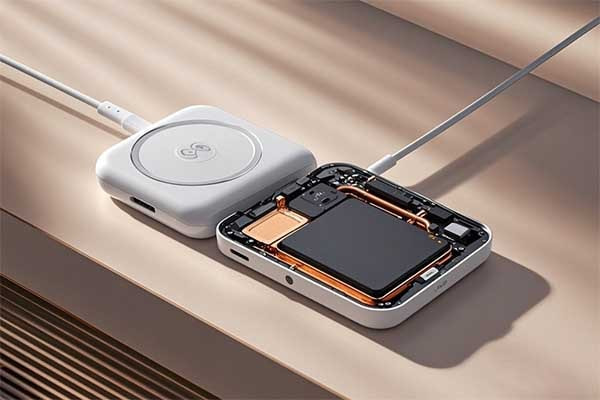
Many users ask if MagSafe wireless charging damages their phone battery faster than wired charging. This question is important for device longevity.
MagSafe charging can produce more heat than wired USB-C charging, which may accelerate battery wear if used improperly. However, Apple includes features like optimized battery charging and thermal management to protect battery health. Proper usage, such as avoiding charging in hot environments or overnight charging, helps maintain battery longevity.
MagSafe uses magnetic alignment to snap the charger to the device, delivering up to 15W of power wirelessly. This convenience sometimes generates extra heat compared to direct cable charging. Heat is a main cause of battery capacity loss over time, so managing temperature is key.
Heat, Charging Efficiency, and Battery Health in MagSafe
Heat generation during charging is a critical factor in battery aging. MagSafe’s wireless charging produces heat due to electromagnetic induction and the close contact between charger and device. This heat can raise battery temperature, speeding up chemical degradation inside lithium-ion cells.
Apple’s software and hardware design include safeguards to manage heat and charging speed. For example, the Optimized Battery Charging feature learns user habits and slows charging past 80% to reduce stress. Thermal sensors monitor temperature and adjust power delivery accordingly.
MagSafe vs USB-C Charging: Heat and Battery Impact Comparison
| Aspect | MagSafe | USB-C |
|---|---|---|
| Charging Power | Up to 15W wireless | Up to 100W wired |
| Heat Generation | Higher due to wireless induction | Lower, more efficient power transfer |
| Battery Stress | Moderate if used properly | Lower with proper use |
| Convenience | Magnetic snap-on, easy alignment | Universal, multi-function ports |
| Port Usage | Frees USB-C port for other uses | Uses USB-C port for charging and data |
Users who frequently use MagSafe charging while running heavy apps or in hot environments may notice faster battery wear. Removing thick cases during charging and avoiding overnight charging can reduce heat buildup.
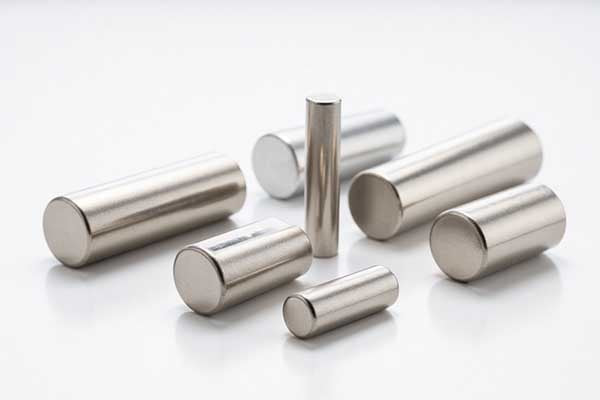
At M-Magnet, we understand the importance of efficient, safe charging. Our neodymium magnets enable precise magnetic alignment for MagSafe chargers, enhancing charging safety and performance.
Conclusion
MagSafe and USB-C each have clear strengths. MagSafe offers faster charging up to 140W, safer magnetic connection, and frees USB-C ports for other uses. USB-C provides versatile charging, data, and video capabilities but maxes out at 100W charging power. The choice depends on whether you prioritize dedicated, fast charging or multi-functionality. At M-Magnet, we support both technologies with customized magnet solutions that enhance charging safety and efficiency.
About Blogger
Benjamin Li
Operation Manager of M-Magnet Company
I will bring you a full range of magnet knowledge and manufacturing experience on neodymium magnets and MagSafe magnet solutions through blogs and emails. I'm not an expert yet in magnets, but we have a whole team to help you solve technical issues, design drawing details, compatibility suggestions from magnetic assemblies, magnet purchasing and many other customized magnet solutions from China. You can follow my blogs on knowledge sharing or contact me for your own magnet solutions. We will always do the best.